
Making sure the right person sits the exam.
Before a single question appears, ExamLense checks that the person at the computer is the candidate you registered: their ID card, a live photo of their face, and their name on your list. It takes a couple of minutes, and it never eats into exam time.
- Name on document
- AMA SERWAA
- Name on roster
- Serwaa, Ama
- Roster match
- Match, order differs
- Face similarity
- 98.4% (threshold 92%)
- Government registry contacted
- None
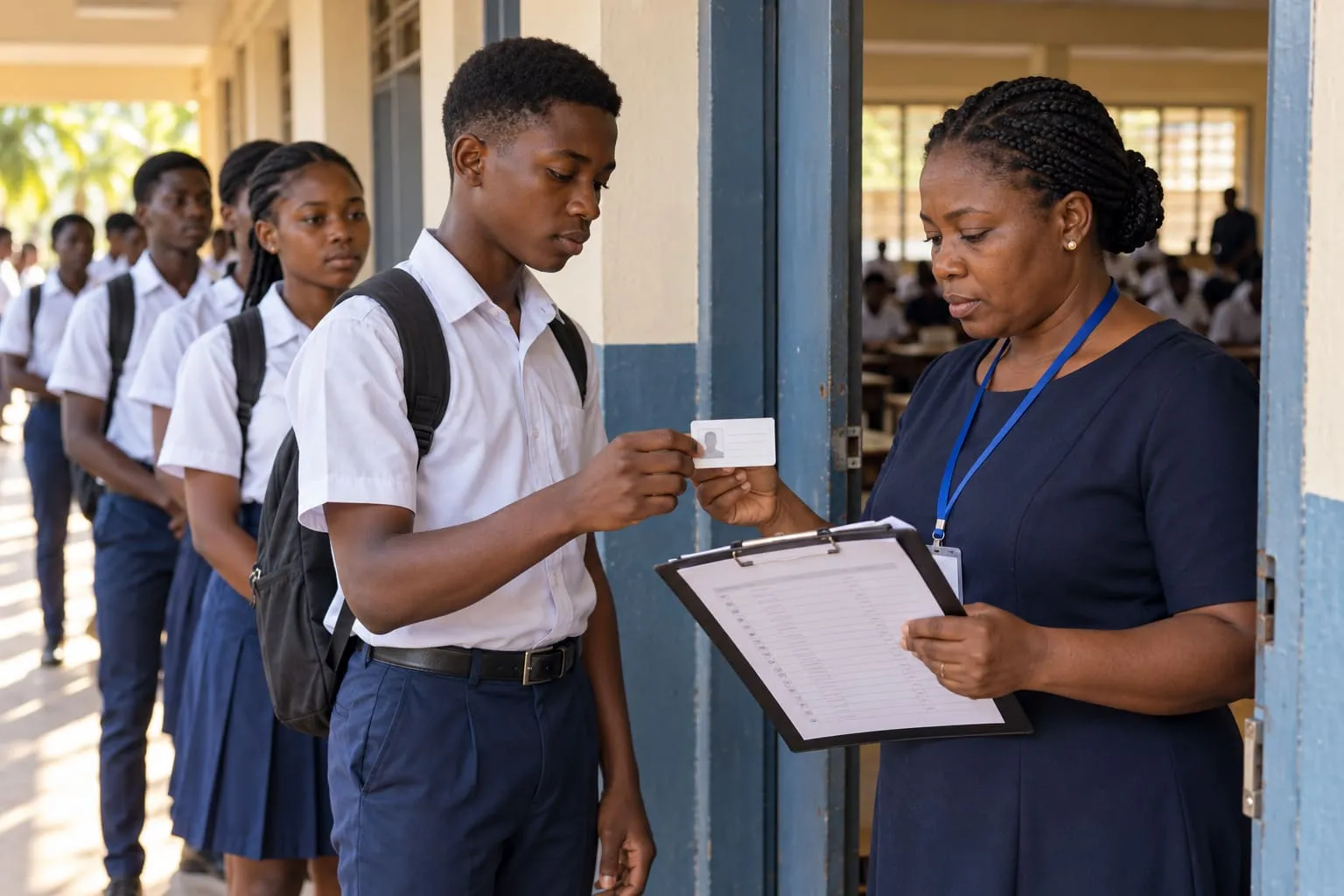
Like the invigilator at the exam hall door.
At a paper exam, somebody stands at the door with the list of candidates. They look at your ID card, look at your face, find your name on the list and tick it. Only then do you get a seat.
ExamLense does the same job online. The ID card is photographed with the laptop camera, the face is a selfie taken there and then, and the list is the roster your institution uploaded or your learning platform sent over.
How it works, step by step.
- 01
Show the ID card to the camera
The candidate holds their card up. On-screen guidance says closer, further or hold still, so the first photo is usually a clear one. A phone can take the photo instead if the laptop camera struggles.
- 02
Take a live selfie
A fresh photo of the candidate, taken at that moment. Pictures from a gallery are never accepted, so nobody can send in a photo of somebody else.
- 03
We read and compare
The name is read off the card and matched against your list, allowing for spelling and ordering differences. The selfie is compared with the photo on the card.
- 04
The candidate goes on to the exam
Nothing is decided in front of the candidate. If something did not match, it is set aside for a person to look at, and the exam clock only starts once the checks are done.
What it means for you.
-
Your examinations office
Confidence that each result belongs to the person on your list, with the ID photo, the selfie and the match kept together if anybody ever asks.
-
Your candidates
A couple of minutes with a camera and clear instructions at every step. No account and no password to create, and an honest candidate with a differently spelt name is never turned away.
-
Reviewers
When something does not match, they see the ID photo, the selfie and a picture from during the exam side by side, and make the call.
- Small differences, like a missing middle name or names in a different order, are allowed for. Where the difference is bigger, the candidate still sits the exam and a person checks the photos afterwards. Nobody is locked out by a spelling.
- No. We never contact the NIA, the NIMC or any government registry. The check compares the card the candidate shows with the list you gave us, and that is all.
- They can take the photos on their phone instead, by scanning a code shown on the screen. Where that is not possible, your examinations office can give them a one-time code, and the sitting is marked so the reviewer knows the check was waived.
- Your institution chooses which documents it accepts, such as a national ID card or a passport, and the candidate is told before they start.
- No. The exam clock starts only after identity is settled, so a slow camera never costs a candidate a minute.
- Where your institution switches it on, a candidate who was verified recently can be confirmed with a fresh selfie alone, matched against the ID photo from before.
Words you may hear.
- Roster
- The list of candidates registered for an exam.
- Live selfie
- A photo taken by the camera at that moment, never one chosen from a gallery.
- Face match
- A comparison of the selfie with the photo on the ID card, scored for how alike they are.
- Manual review
- A trained person looking at the photos and deciding.
Keep exploring.
- In-exam proctoring Three tiers, from face checks with nothing kept to full session recording
- SecureBrowser An extension that locks the browser and proves it is still locked
- Review Console Evidence timeline, flag queue and a two-reviewer decision workflow
- Exam delivery Timing, saving and submission the candidate device cannot influence
- Integrations Launches from every major LMS, and from your own sign-in
See it against one of your own exams.
Bring a real paper and a real roster. We will run a sitting end to end, including a deliberate flag, so you can see exactly what a reviewer would be looking at.
Or email admin@examlense.com