
A locked exam window, and proof that it stays locked.
SecureBrowser is a small add-on for Google Chrome that turns the browser into an exam room with the door shut: no other tabs, no copying, no printing, no wandering off to another website. And it keeps telling us it is still switched on, so nobody has to take the candidate’s computer at its word.
Confirmed on our side
Like a sealed exam room.
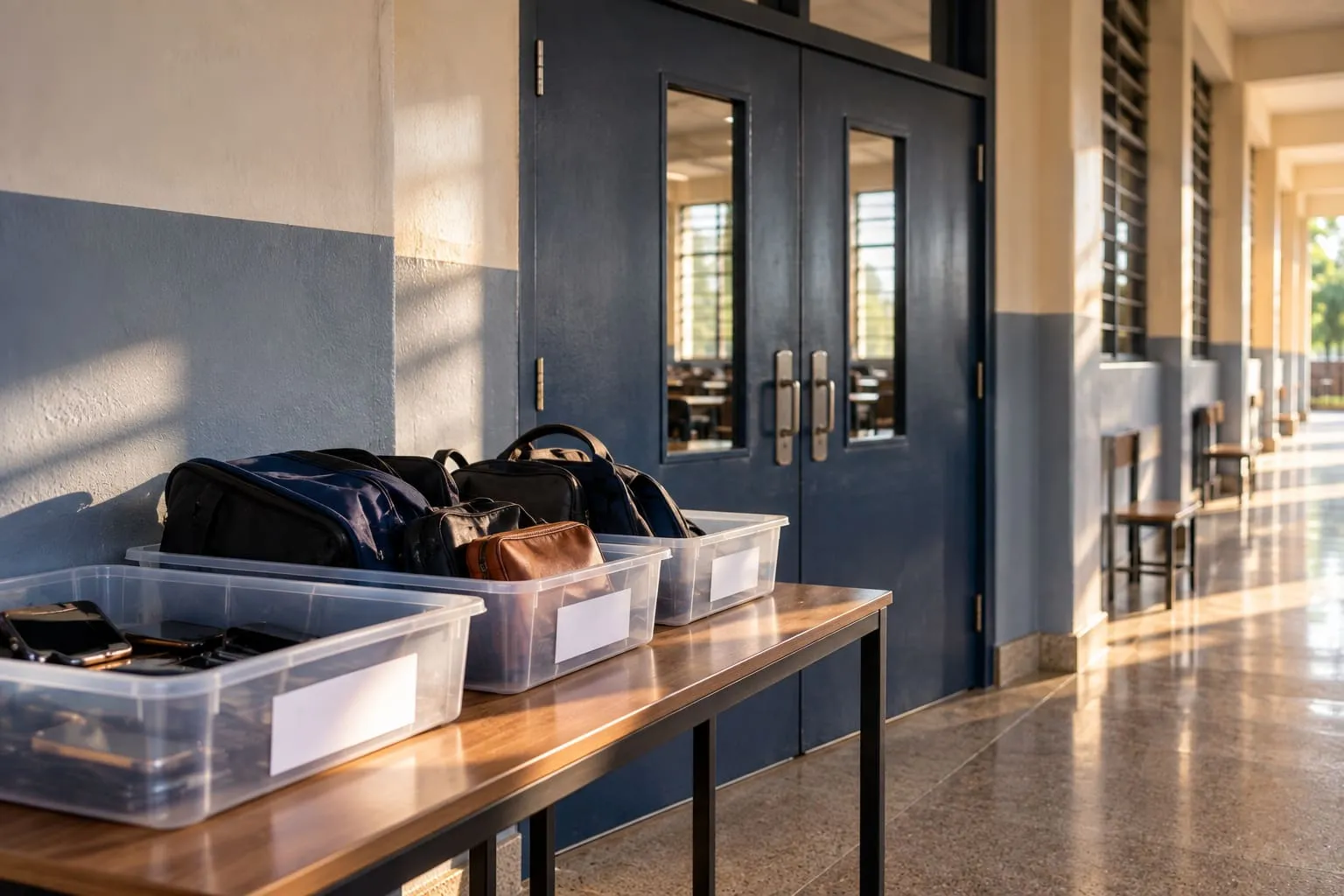
In a hall, the doors are shut, bags stay outside and phones are handed in. Nobody can pop out to check a textbook halfway through.
SecureBrowser shuts the doors on the computer. The difference is that the computer belongs to the candidate, so the lock has to keep proving itself. Every ten seconds it checks in with us, in a way a copycat cannot easily fake. If it goes quiet, we notice.
How it works, step by step.
- 01
Install it once
The candidate adds the extension to Chrome before the exam. Your institution tells them where to find it.
- 02
It locks when the exam begins
The candidate is told how many other tabs will close, and then they do. Leaving the exam page is blocked, and copying, pasting, downloading and printing are switched off.
- 03
It checks in every ten seconds
Each check-in is signed, so we know it comes from the real extension on that sitting. If the check-ins stop, the exam notices and the gap is recorded for the reviewer.
- 04
It lets go when the exam ends
The browser goes back to normal the moment the paper is handed in or the time runs out.
What it means for you.
-
Your examinations office
Switch it on exam by exam: optional on Lite, recommended on Standard, required on Pro. Where your exams already use Safe Exam Browser, that works too.
-
Your candidates
One install, a clear warning before anything closes, and a normal browser again as soon as they finish.
-
Reviewers
A record of whether the lock held from start to finish, including any tab that was opened and closed.
- No. It needs Google Chrome on a laptop or desktop computer. A candidate on another browser is told before the exam starts, before anything is used up.
- Nothing. It only looks after the exam window, and it tells us which known cheating add-ons are switched on in the browser. It does not read files or look at anything outside the browser.
- The exam is covered until it is back on, and the gap is recorded for the reviewer, with how long it lasted.
- Nothing installed on a computer somebody else owns can be made impossible to beat. What SecureBrowser does is make getting around it hard, and make any gap show up. The camera and screen checks carry on either way.
- No. Even without it, the exam itself spots a second screen, a duplicate window and known AI add-ons.
Words you may hear.
- Extension
- A small add-on to a web browser.
- Lockdown
- The exam window with everything else shut away.
- Check-in
- The regular signal that proves the lock is still on.
Keep exploring.
- Identity verification Document capture, name match and face match before the exam starts
- In-exam proctoring Three tiers, from face checks with nothing kept to full session recording
- Review Console Evidence timeline, flag queue and a two-reviewer decision workflow
- Exam delivery Timing, saving and submission the candidate device cannot influence
- Integrations Launches from every major LMS, and from your own sign-in
See it against one of your own exams.
Bring a real paper and a real roster. We will run a sitting end to end, including a deliberate flag, so you can see exactly what a reviewer would be looking at.
Or email admin@examlense.com